Choose the part.
Start with the layer your piece needs: a groove, bass line, piano phrase, guitar part, pad, or melody.
Bovo Music Agent / Stem Mode
Build a groove, bass line, piano phrase, or other layer for the piece in front of you. Set the musical direction, listen to takes, and bring MIDI or WAV into your DAW.
Early access. Sign-in and eligibility may be required.


Built around your process
Your harmony, tempo, and arrangement give the part a place to begin. You decide what fits, what to change, and where the music goes next.
Start with the layer your piece needs: a groove, bass line, piano phrase, guitar part, pad, or melody.
Guide a short loop or passage with tempo, meter, key, chords, and the direction you have in mind.
Audition takes, compare directions, and follow the idea that fits your composition.
Download editable MIDI or rendered WAV, then continue in your DAW.
A palette of parts
Start with the part your piece needs.
Open Music AgentMIDI + WAV exports
Download each take as MIDI for the next musical edit, or as a WAV for the rendered sound. Carry the part into your DAW and keep building the piece.
Keep the notes editable.
Change notes, timing, voicing, or instrument in your DAW as the arrangement develops.
Bring the rendered take.
Drop the audio you auditioned into your session and build around it with your other tracks.
One take. Both formats.
Choose MIDI or WAV from your take's download menu.

Bring your next part into your DAW.
Open Music AgentLearn Stem Mode
Five short walkthroughs to help you build parts, shape harmony, compare takes, and bring MIDI or WAV into your workflow.
01 / 1:25
Describe a warm jazz piano loop, audition your take, and download its WAV.
02 / 2:13
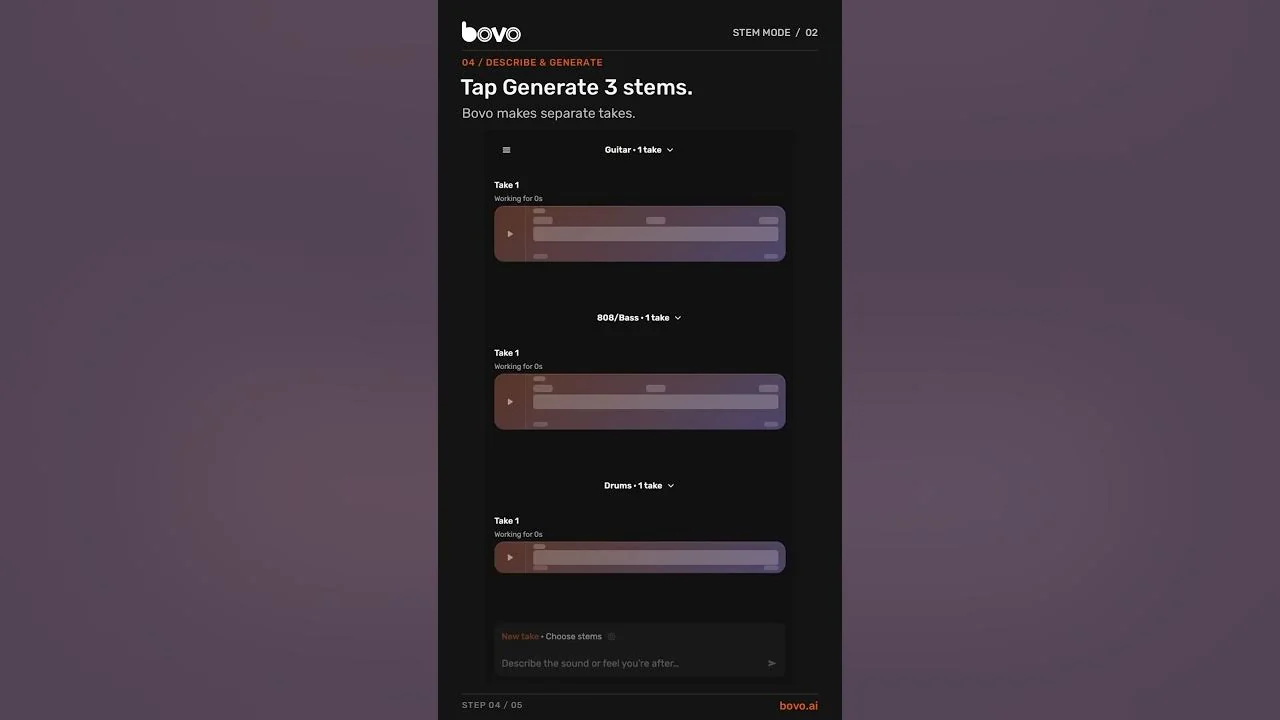
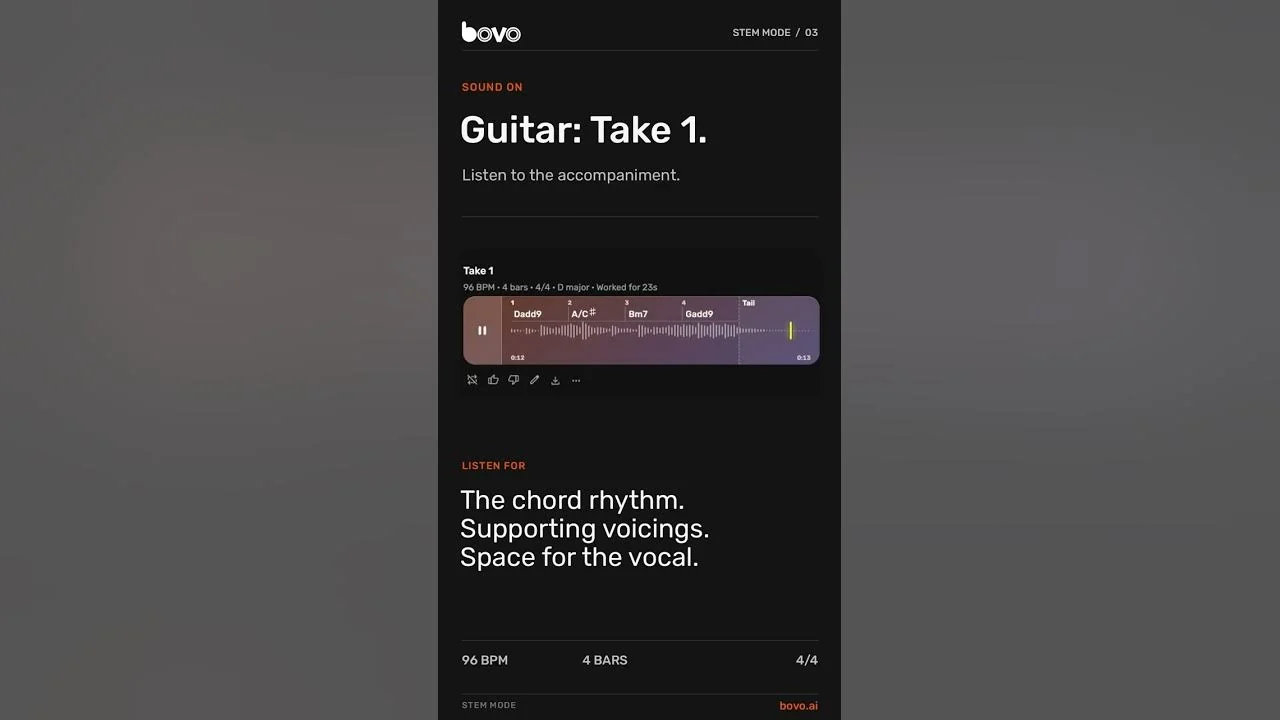
Give three parts a shared direction, hear each stem, then listen to a mix of the exported WAVs.
03 / 3:23
Compare two takes, refine reverb and level, and download your choice as WAV or MIDI.
04 / 4:32
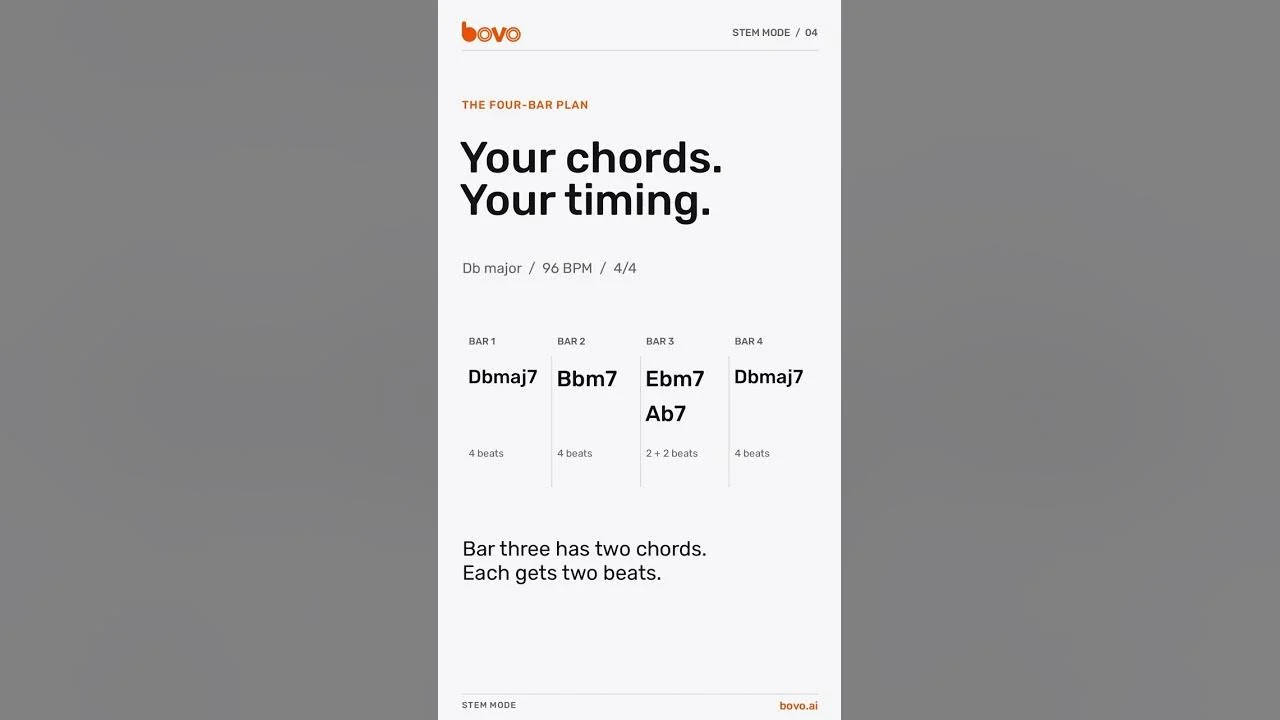
Write a progression for chords, pad and arpeggiator, including two chord changes in one bar.
05 / 3:57
Move a piano and bass passage from C to G major, then download WAV, MIDI, or both.
Try it with your own musical idea.
Open Music AgentStem Mode, in brief