
You've got the chords. Now you need a piano part that leaves space for the vocal, a bass line that supports the groove, and drums that give the section some movement. The next step is to hear a few possibilities and decide which ones belong in your arrangement.
Today's update to Music Agent, our AI MIDI stem generator, brings guitar MIDI with CCs and keyswitches already written for matching instruments. It also adds more piano and bass variations, new jazz drum styles, and faster turnaround.
A MIDI stem is a separate instrumental part saved as editable note and performance data, such as a piano accompaniment or bass line. Import it into your DAW to work with the notes, timing, velocities, and a compatible instrument.
Guitar MIDI stems with CCs and keyswitches included
Drawing CC curves and looking up keyswitches can take you away from writing the guitar part. Music Agent's matching guitar MIDI exports include those performance controls already written.
Depending on the take, the download menu offers Ample Guitar M, Ample Metal Eclipse, Ample Metal Hellrazer, or Unreal Instruments' METAL-GTX MIDI. Use the matching instrument in your DAW and preserve the CC and keyswitch messages when importing the MIDI. You can audition the guitar part with its articulation controls in place.
The files also carry string choices and articulation messages for the matching instrument. The Ample exports use standard tuning for Guitar M, Drop C for Metal Eclipse, and nine-string standard tuning for Metal Hellrazer. Standard MIDI is always available for trying other sounds in your DAW.
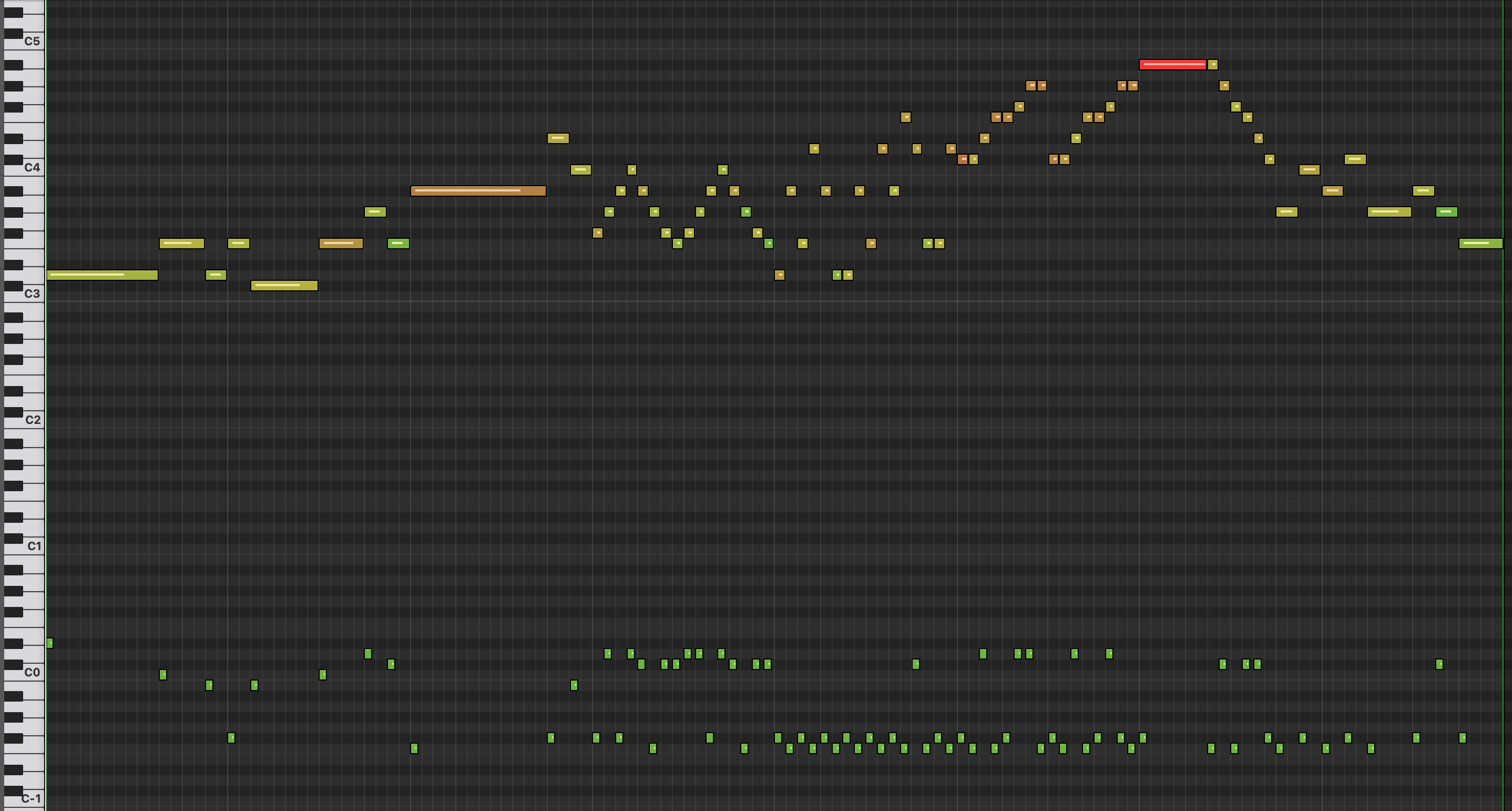
Watch the Ample MIDI demo in Logic Pro.
We've also improved how guitar parts follow the chord progression you supply, with clearer handling of unsupported chord symbols.
More choices for the feel of your arrangement
You can now explore more piano and bass variations, including pop piano accompaniment.
Piano takes now preserve their phrasing more consistently through repeated sections and replay. Requests for spacious piano parts have better support when a vocal or lead needs room. Phrase endings can also follow the part's rhythmic feel more closely.
You can now generate jazz trio and brush drum parts. They include ride and hi-hat phrases, feathered kicks, snare replies, and changing fills. Phrasing can be more active for solos and quieter in closing sections.
Generate MIDI stems around your chord progression
When you request parts together, they share your tempo, length, meter, and Loop or Passage form. Tonal parts also share the chord progression, chord timing, and planned key changes. That gives you a consistent basis for comparing different phrasing, voicings, and dynamics.
For example, you might explore a few piano and bass takes over the same eight-bar progression, then listen for the combination that best supports your song. You can supply the chords directly, or use a named piece as a starting point for musical direction and harmony.
Your prompt and settings stay in place after generation. Press Send again to explore fresh takes of the same idea, or adjust the setup first. Copy this take's settings lets you start a fresh request from a take's saved setup, including drum takes.
Develop a take and keep the original
Once a performance catches your ear, select it and describe the refinement you want. For takes that support harmony edits, those changes now follow the same editing flow as other refinements.
The result becomes another numbered take, marked From Take N, so you can trace it back to the performance you started with. Your original and the other alternatives remain available for comparison. You can listen back and decide whether the change takes the part in the direction you wanted.
Edits also keep the take's chosen sound when it's compatible with the updated music. That lets you compare the musical change using the same sound.
Less waiting between ideas
Turnaround time is shorter in this release. You can audition the next MIDI stem sooner and keep working through alternatives.
We've also improved how individual take failures are handled. Other takes can continue processing, and completed performances remain available.
How MIDI stems fit alongside Splice and Loopcloud
If you browse Splice for sounds, its catalog includes samples, loops, MIDI, and presets. Loopcloud lets you discover samples, preview them at your project's tempo and key, and edit them before export. Those sounds can give you a starting point for an arrangement.
If you're looking for a Splice alternative for AI MIDI stem generation, Music Agent lets you start with your musical directions and chords, request instrumental takes together, and refine supported takes before exporting. You can also use the generated parts alongside samples already in your DAW.
Staccato is another AI MIDI generator. It accepts musical prompts and can build on MIDI or audio input. When choosing a tool, consider how you want to work with your chord progression, compare alternatives, and move the resulting MIDI into your session. This Music Agent update improves those steps with shared timing and harmony, a clearer take history, and instrument-specific guitar exports.
Try Music Agent with a progression you're working on. Generate a few MIDI stem alternatives, listen for the part that fits, and develop it from there. Our Prompt Guide has examples to help you describe the role and feel you're after.
Share your feedback and feature wishes in our Bovo community on Reddit. Tell us what you'd like to make next and what could work better in your sessions.