
Guitar MIDI with CCs
Bovo Music Agent is an AI guitar MIDI generator. Use your chords to create parts with CCs and keyswitches for matching Ample and METAL-GTX instruments.
Try Plus free for one month.
No payment card needed. Continue on Free afterward unless you choose to subscribe.
Matching MIDI exports depend on the take.
MIDI for your instrument
The take’s download menu names its available matching exports. Standard MIDI is always available for trying other sounds.
Ample Guitar M
Standard tuning
Ample Metal Eclipse
Drop C tuning
Ample Metal Hellrazer
Nine-string standard tuning
Unreal Instruments METAL-GTX
Tuning follows the take
Inside the MIDI
The demo plays a Bovo Music Agent guitar MIDI export through Ample Metal Hellrazer in Logic Pro. The matching export includes CCs and keyswitches for the instrument.
Read the guitar MIDI export details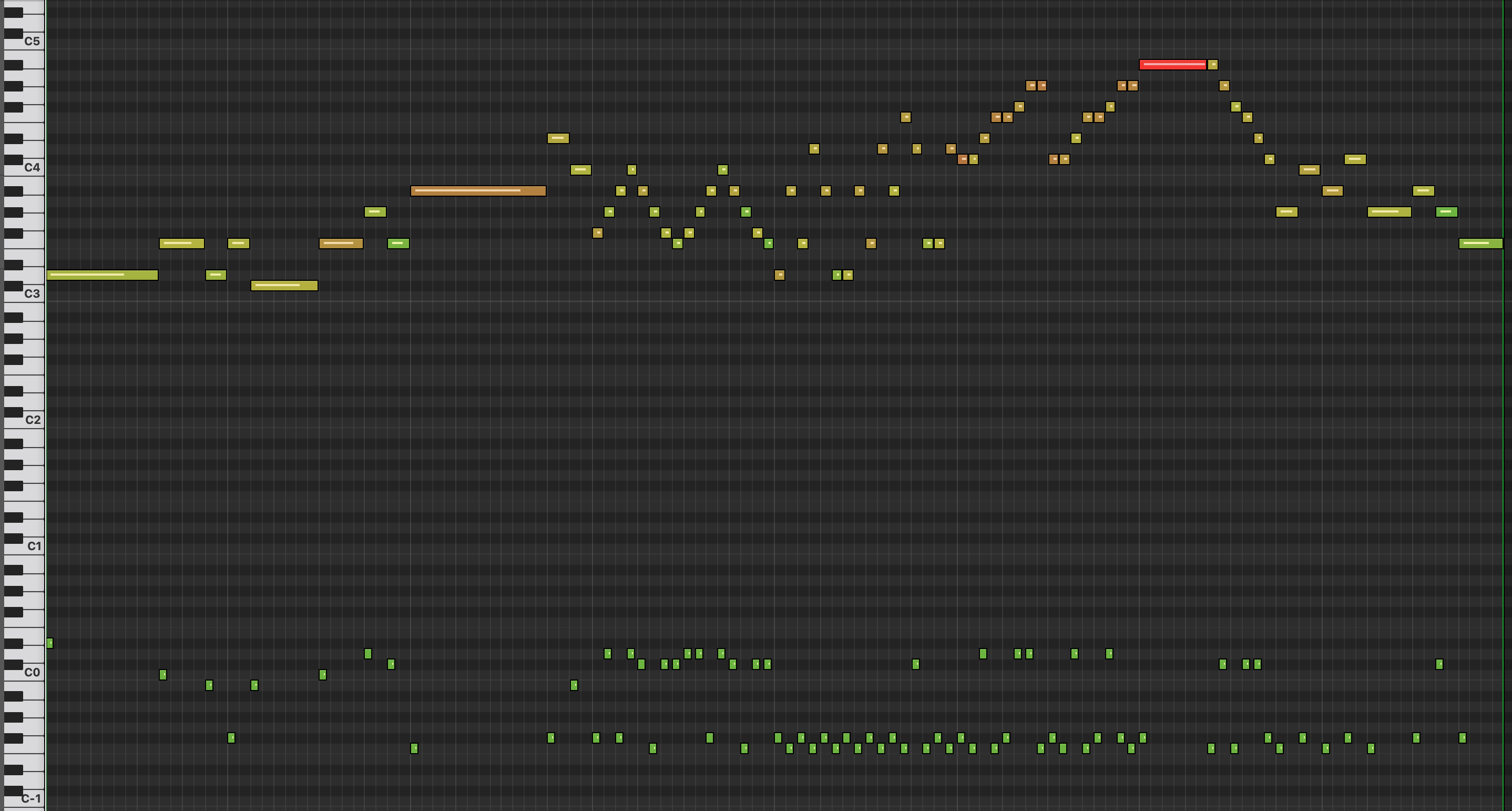
- CCs
- Control Change messages carry the performance controls written for the matching instrument.
- Keyswitches
- Low-register notes tell the matching instrument which articulation to play.
- String choices
- Instrument-specific messages carry the string choices alongside the musical notes.
Into your DAW
Start with the section you’re writing. Give Music Agent its musical context, then choose the guitar part that fits.
Give it your chords
Choose Guitar and set your chords, key, tempo and meter. Describe the style and feel in your prompt.
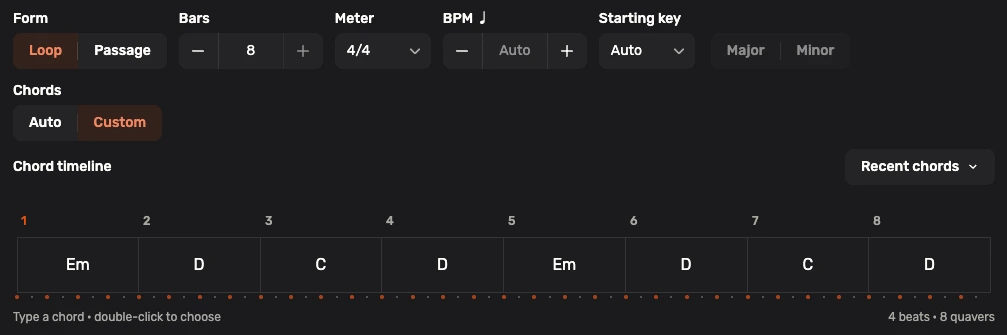
Eight-bar chord timeline: Em, D, C, D, repeated. Choose a take
Listen to your guitar takes and choose one for your arrangement. Open its download menu to see the available exports.
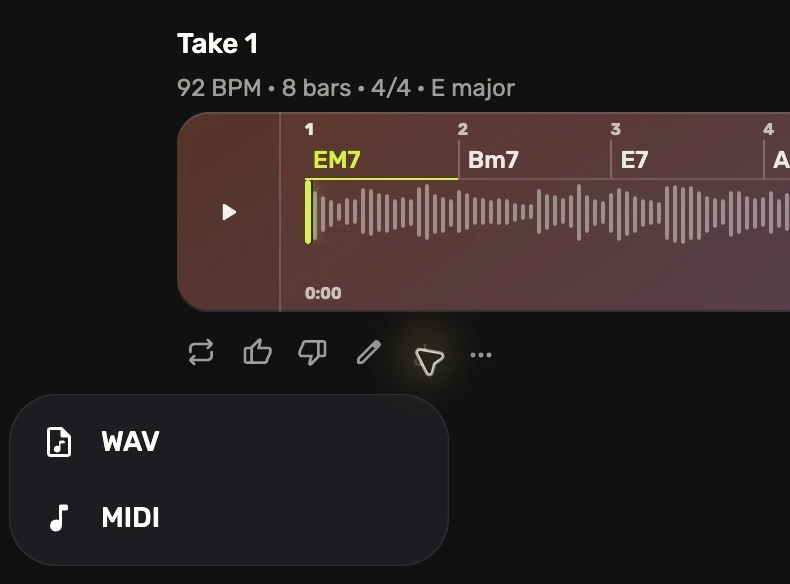
A guitar take with standard WAV and MIDI downloads.


Play the matching export
Download an available instrument-specific MIDI file and load its matching instrument in your DAW. Import the MIDI with its CCs and keyswitches intact, then keep shaping the part in your session.
Before you play
Which instrument should I use?
Load the instrument named by your MIDI export in your DAW. Its articulation mapping is what the CCs and keyswitches are prepared for. Preserve those messages when importing the file.
Can I use another guitar sound?
Standard MIDI is always available for trying other sounds. Each instrument interprets performance messages differently, so the intended articulation playback uses the matching export and instrument.
Can I edit the part or use WAV?
You can edit the MIDI notes, timing and velocities in your DAW. Each stem also has a 24-bit PCM stereo WAV export at 48 kHz. An additional 44.1 kHz export becomes available when ready and may be absent for older takes.
Make your next guitar part
Try Plus free for one month. Two easy-to-follow companion books included when you sign up.
No payment card needed. Continue on Free afterward unless you choose to subscribe.